How Far Did I Run?
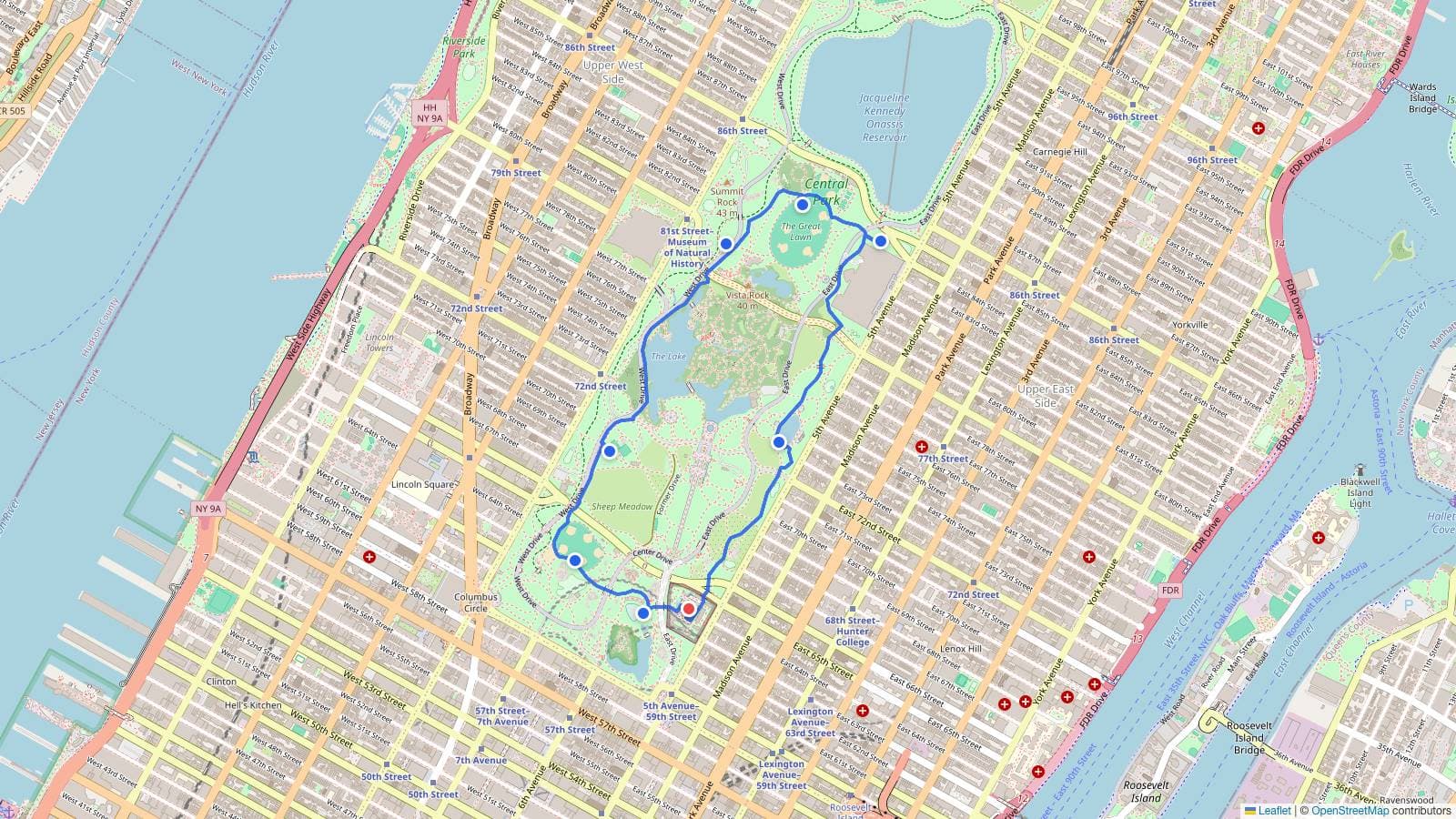
Running distance calculator
This is a free running distance calculator: tap the route you ran on the map above (your start, each turn, then your finish) and it adds up the distance between the points as you go. The running total is how far you ran, shown in miles and kilometers. Pick Run, Walk, or Cycle (or type your own pace) and it estimates the time too.
By default the route snaps to the paths and roads between the points you tap, so the distance follows where you actually ran. Measuring a straight line between just two points instead? The distance calculator is built for A-to-B; to turn a distance into a time at a set pace, see miles to minutes.
Plan a running route
You can also plan a route before you run it. Tap out the loop you have in mind (your start, the streets and paths you want to take, then back home) and the live distance tells you whether it is long enough. Extend or trim the route until it hits your target (a 5K, 10K, or your long-run distance), drag any point to reshape it, and tap Start at my location to plan from your front door.
How far did I run on the map
To measure a run you already did, retrace it on the map — a handful of points is enough, because the route snaps to the paths between them:
- Tap your start (or use Start at my location).
- Tap each corner and turn along the way, then your finish.
- Drag any point to nudge it onto the real path; tap Undo point to remove the last one.
- Read the total distance, and set a pace for the time.
How far did I walk or bike?
The same route measures the same distance whether you ran, walked, or biked it; only the time changes. Trace your route and choose Walk (about 20 minutes per mile, a 3 mph pace) or Cycle (about 4 minutes per mile, a 15 mph pace) to estimate how long it took. For a faster or slower effort, switch to Custom and enter your own minutes-per-mile.